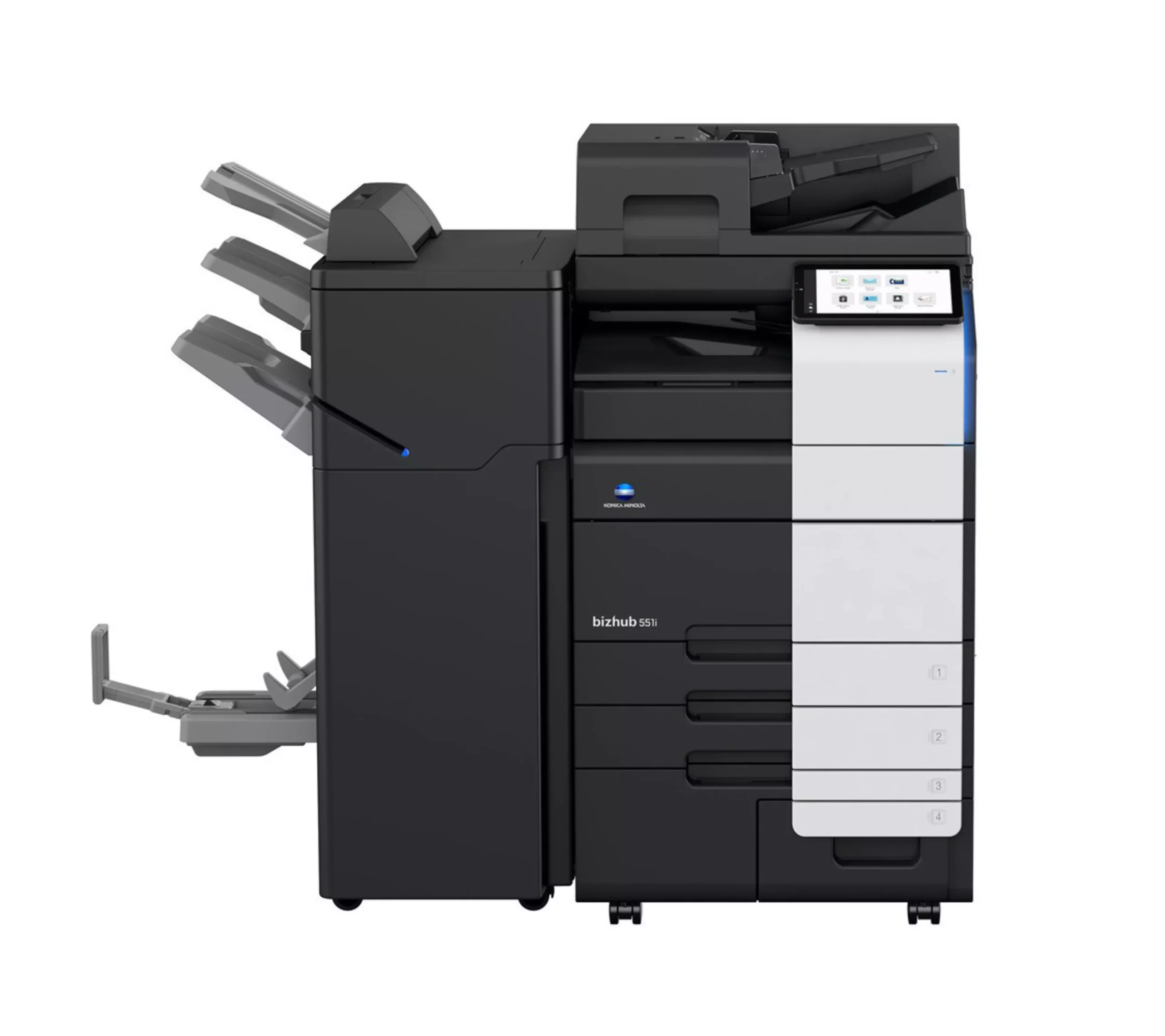
Description
Functionalities
- Direct print
Driverless printing of PDF, XPS, DOCX, XLSX, PPTX, JPEG, TIFF, PS and PCL - Mobile Printing
Possibility to directly print documents from a mobile device - MyTab
Print driver customisation - Smart job queue
Unprintable jobs e.g. because of unavailable paper size (copy, print and fax) are bypassed by consecutive jobs - Universal Printer DriverOne driver to install, manage and maintain
Copy
- Blank page removal
Automatic deletion of blank pages e.g. when copying mixed simplex and duplex documents - New User Interface
Light, simple and modern UI is easy to use - Quick access to settings
With most used settings visible at first sight, select them with one click, drop down or pop up menu
Scan
- Blank page removal
Automatic deletion of blank pages e.g. when scanning mixed simplex and duplex documents - Dual scan document feeder
DSDF with standard double feed detection helps ro perfom scan jobs quicker - Scan annotation
Stamping of e.g. date/time, filing number or custom text on scans for archiving purposes - Scan preview
Provides a real-time preview of scanned originals for checking before sending - Scan to url
Reduce the load on the company network by sending a simple url to the recipient instead of a big file - Scan-to-Me/Home
Direct scan to own email address (Me) or SMB folder (Home) based on Active Directory information
Fax
- Fax forwarding
Forwarding of incoming fax documents by email or to SMB folder instead of printing - IP-Fax
Sending of fax messages via network between Konica Minolta MFPs; supports colour as well as black & white - PC-Fax
Direct fax transmission from the PC - Shared address book
The MFP-internal address book can be shared with the PC fax client - Tray selection
Choice of input tray / print media and output tray for easy visibility of incoming faxes